






Table of Contents
Introduction: Why Sketch Gadgets are Essential for Every Artist
Sketching meant nothing more than paper, a pencil and calm hands. That has not gone away, but it is joined by an ever-expanding selection of sketch gadgets: intelligent pens that convert handwriting to digital text on the fly LCD tablets that let children draw without the use of paper and drawing boards tailored especially for artists who want digital versatility but don’t want to lose the sensation of a real pen in their hand. Choosing the ideal sketching tool isn’t about pursuing the newest model it’s about finding the tool that fits the way you really draw.
What Are Sketch Tools?
Sketch gadgets are devices designed to help, digitise or enhance the act of drawing and sketching. This encompasses a vast array of goods from simple magnetic doodle boards for young children to powerful smart pens that monitor hand movement on regular paper and translate it into a digital file as it happens. Some sketching gadgets are stand-alone instruments, such LCD writing tablets, that erase with the push of a button. Others are designed to be partners to traditional supplies, allowing artists to create pen-and-paper sketches and sync them to a computer or tablet without affecting how they actually draw.
Popular Sketch Tools
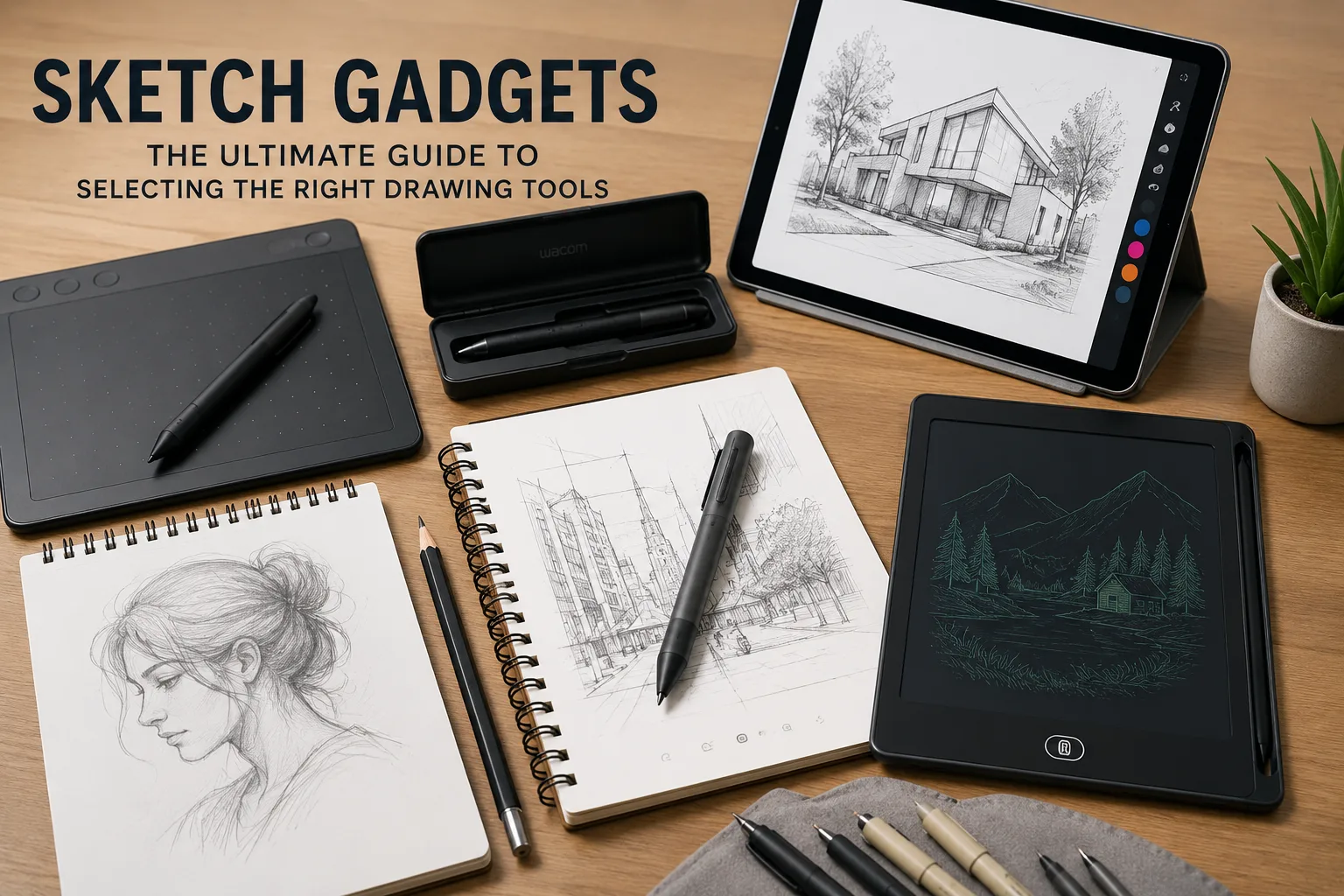
This category includes graphics drawing tablets smart pens that digitise handwritten sketches, LCD writing boards for rapid notes and doodling projector based tracing tools for beginners learning proportion and magnetic drawing boards for younger children.
Why Sketch Gadgets Are Popular
draw gadgets are a basic story of change that there is more creative work happening digitally now but that still a lot of individuals think and draw better with a pen in hand than a stylus over a glass screen. Sketch gadgets fill that gap allowing individuals preserve the tactile experience of drawing while also ending up with a shareable editable digital product.
The Need for Paperless Sketching Grows More Urgent
Environmental awareness and sheer convenience are also driving demand. Whether it’s a parent trying to keep up with a toddler’s drawing habit or a professional jotting up short notions during the day a reusable LCD sketch pad or magnetic doodle board means you won’t run out of paper all the time.
Choosing the Right Sketch Gadget
Think About Who Will Use It
A sketching device for a five year old learning to draw shapes has quite different needs than one for a practicing illustrator or architect. Simple magnetic boards and basic LCD tablets are suited to younger users. Smart pens and higher resolution digitising instruments are suited to experts who demand precision and file compatibility with design applications.
Verify Compatibility With Existing Software
A few sketch gadgets are genuinely stand alone while others need to be synced with a particular app or software ecosystem to unlock their full digitising capabilities. You can check this out before purchase and not end up with a device that can sketch but can’t actually export anything meaningful.
Consider battery life and charging
Battery life can vary greatly on devices with built in batteries and screens like LCD writing tablets and smart pens. But for anyone doing lengthy stretches of sketching real world battery performance in reviews is more important than the figure shown on the box.
Think about the Learning Curve
Some sketching devices like smart pens and pressure-sensitive digitising pads take a little getting accustomed to. It’s not inherently a poor tool if it feels awkward for the first couple of sessions. But it is good to know this up front rather than assume every tool works intuitively from the first sketch.
Advantages of Using Sketch Tools
- Turns pen-and-paper doodles into digital files without affecting the way you draw
- Less paper waste for casual doodles and quick notes
- Sharing and altering sketches is far easier than scanning or capturing paper drawings
- A softer entrance point into digital art for users who prefer physical pens over styluses
- Reusable boards save you money over time vs buying sketch paper all the time
Sketch Gadgets Cons
- More expensive than a simple sketchbook and pencil kit
- Some devices need to be synced with certain software which can hinder flexibility.
- Battery powered gadgets need recharging and can die mid session.
- Lower-end devices generally don’t have the precision and pressure sensitivity professional illustrators need
- The learning curve can slow down actual sketching time initially especially with smart pens.
Sketch Gadgets Frequently Asked Questions
What’s the difference between a sketch device and a graphics tablet?
A graphics tablet usually refers to a computer connected screen or pad for digital sketching, whereas sketch devices is a broader term that include standalone tools like smart pens and paper digitisers that don’t need to be constantly connected to a computer.
Are Sketch Gadgets easy for beginners?
Yes, especially simple LCD writing tablets and tracing tools. These give novices opportunities to practise shapes and proportions without the strain or cost of wasting paper on every effort.
Are sketch gadgets replacing regular sketchbooks?
Not completely. Rather than replacing traditional sketchbooks many artists use sketch devices with paper, as the tactile feel and durability of paper still cannot be totally replicated digitally.
What would I pay for a good sketch gadget?
You can often get entry level LCD writing tablets and magnetic doodle boards for under $15 but smart pens and more advanced digitising tools can cost anywhere from $80 to $150 or more depending on their capabilities and level of precision.
Are sketch devices good for professional illustration?
Yes smart pens and high resolution digitising pads are the most notable but experienced illustrators usually combine them with dedicated graphics, tablets for more advanced editing and pressure sensitivity.
Conclusion: Choosing the Right Sketch Tool for Your Needs
But sketch gadgets are not a one size fits all category. A toddler’s magnetic draw board and a professional illustrator’s smart pen handle very distinct challenges even though both fall under the same broad categorisation. The best decision depends on who is using the gadget how it integrates with existing software or habits and whether the convenience of digitising sketching is worth the added expense and learning curve. With that in mind the sketch gadget is a real advance to the way you make stuff not simply another gear gathering dust in a drawer.