








Table of Contents
Introduction
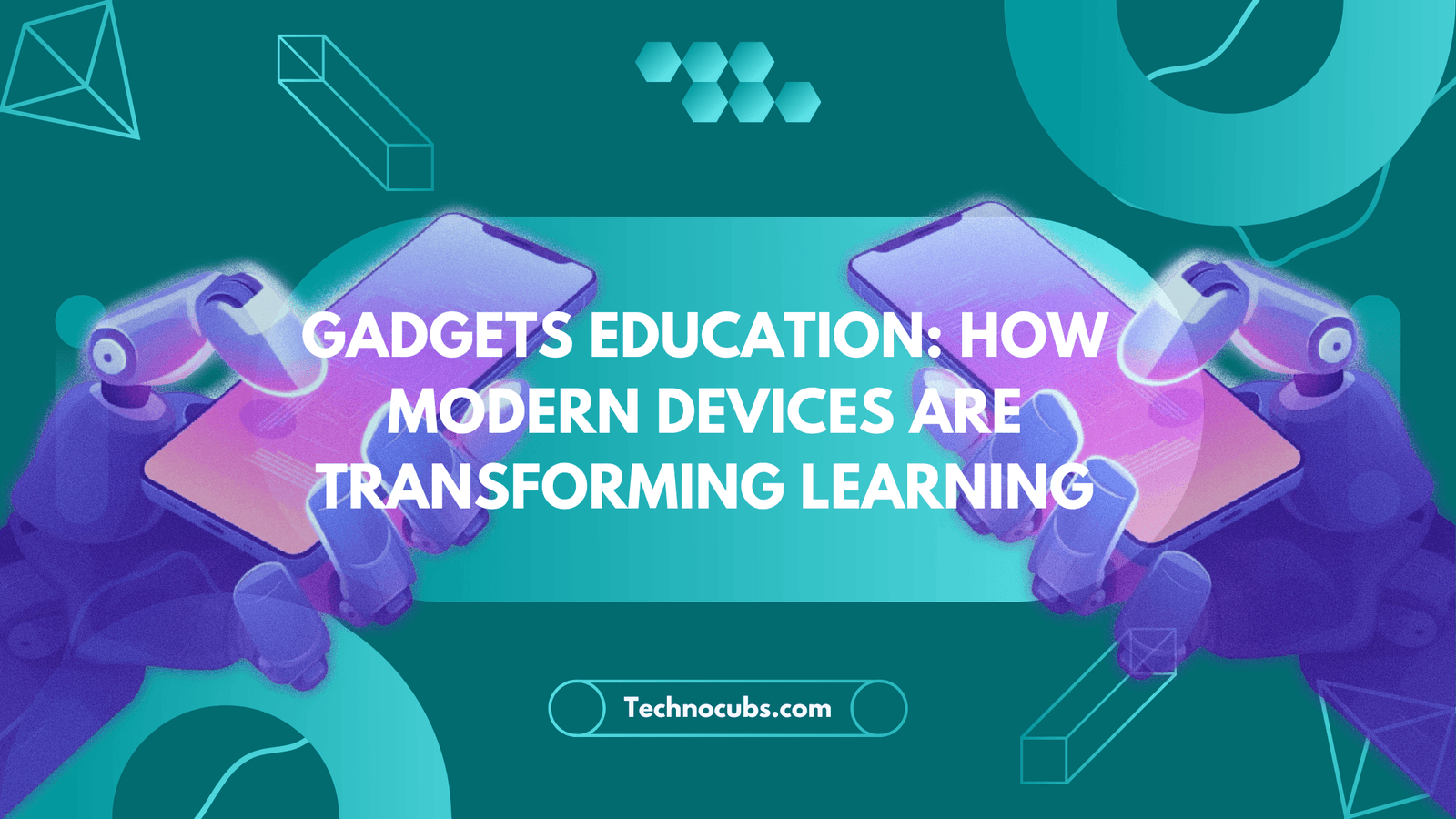
Walk into almost any modern classroom today and you’ll notice something different from a decade ago — fewer stacks of textbooks, more glowing screens. Gadgets education has quietly become one of the biggest forces reshaping how children, teenagers, and even working adults learn new skills. It’s not about replacing teachers with machines. It’s about giving both students and educators tools sharp enough to keep up with how fast information now moves.
Think about it: a kid today can pull up a 3D model of the human heart on a tablet in seconds, something that used to require an expensive plastic model or a trip to a science museum. That’s the shift gadgets education represents — not a gimmick, but a genuine upgrade in how knowledge gets delivered. This guide breaks down exactly what gadgets education means, why it’s become non-negotiable for modern schools, how it functions behind the scenes, and the real trade-offs worth knowing before you invest in it.
What is Gadgets Education
Gadgets education is the practical use of electronic devices tablets, laptops, smartboards, e-readers, wearables to deliver, support, or completely transform the teaching and learning process. Rather than sitting through a one-way lecture, students interact directly with the material: tapping, swiping, building, recording, and testing their own understanding in real time.
Definition
Strip away the buzzwords and gadgets education simply means using technology as a teaching medium instead of, or alongside, printed books and chalkboards. A calculator app helping a ten-year-old with fractions counts. So does an AI tutor walking a college student through calculus at 2 a.m. The common thread is that a physical device sits between the learner and the lesson, making the experience more interactive than a static page ever could be.
It’s also not confined to kids in uniforms. Professionals studying for certifications, retirees learning a new language on their phone, and homeschooling parents building custom lesson plans all fall under the same umbrella.
Why It Matters
Schools aren’t adopting gadgets education because it looks impressive in a brochure. They’re doing it because the alternative — sticking purely to chalk-and-talk — is losing students’ attention faster than ever.
Importance
Kids who’ve grown up swiping screens before they could write in cursive don’t respond to lessons the way previous generations did. Gadgets education meets them on familiar ground, turning passive listening into active participation. A geography lesson stops being a page of text and becomes an interactive map students can zoom, rotate, and explore.
There’s also the job-market angle. Nearly every career path today — from healthcare to agriculture — now involves some digital tool. Students who grow up comfortable navigating apps, troubleshooting basic tech issues, and researching independently online walk into the workforce with a real head start. Beyond that, gadgets education quietly builds problem-solving muscle: instead of being handed an answer, students are nudged to search, test, and figure things out themselves.
How It Works
The mechanics behind gadgets education are simpler than most people assume, even though the results can feel high-tech.
Working Process
At the most basic level, a device (tablet, laptop, smartboard) runs software or an app built specifically for teaching. Teachers upload or assign lessons, quizzes, and reading material through this software, and students work through it either in class or from home. Most platforms quietly track every tap and answer in the background, giving teachers a dashboard that flags exactly which student is struggling with which topic — no need to wait for a test result three weeks later.
Cloud syncing ties it all together. A student can start an assignment on a school-issued Chromebook and finish it that night on a home tablet without losing a single answer. The more advanced platforms go a step further, using adaptive algorithms that notice when a student keeps getting a certain type of question wrong and automatically serve up easier practice problems before ramping difficulty back up — essentially functioning like a patient, tireless tutor.
Features
Not all educational gadgets are built the same, but the strong ones tend to share a common set of features.
Main Features
- Touch and stylus interaction — letting students write, draw, or annotate directly instead of just tapping buttons
- Rich multimedia — videos, narrated explanations, and animations that suit visual and auditory learners alike
- Live progress dashboards — giving teachers and parents a real-time view of where a student stands
- Offline functionality — so a spotty internet connection doesn’t derail a lesson
- Adaptive difficulty — automatically adjusting question difficulty based on how a student is performing
- Built-in collaboration — group chats, shared documents, and video calls for team projects
- Gamified progress — badges, streaks, and leaderboards that make finishing a lesson feel like winning a small game
Together, these features turn a flat, one-size-fits-all lesson into something that actually responds to the student sitting in front of it.
Benefits
The payoff from gadgets education goes well beyond “kids like screens.”
Practical Benefits
The biggest win is engagement students genuinely pay more attention to an interactive lesson than a printed page, and that attention translates into better retention. Personalization is a close second: a struggling student and a fast learner in the same class can both move at a pace that actually suits them, instead of one being bored and the other left behind.
Teachers save real hours too. Instead of building worksheets from scratch every week, they can pull from libraries of ready-made digital content and spend that saved time actually helping students one-on-one. Gadgets education also opens doors for students who’d otherwise be shut out a child in a remote village with a decent internet connection can now access the same lesson as a student in a major city, something that simply wasn’t possible with physical-only classrooms.
And while the upfront cost of devices can sting, digital materials tend to work out cheaper over several years than constantly reprinting textbooks that go out of date.
Types
Gadgets education isn’t a single product it’s an entire toolbox, and different tools suit different subjects and ages.
Common Types
- Tablets and e-readers: Best for digital textbooks, reading, and light note-taking
- Laptops and Chromebooks: The workhorse for research, essays, coding, and online tests
- Smartboards and projectors: Turn any classroom wall into an interactive teaching surface
- Educational robotics kits: Hands-on tools for teaching coding and engineering basics
- Smart pens: Bridge old-school handwriting with digital note storage
- Wearables: Track focus levels and screen habits for younger learners
- VR and AR headsets: Take students on a “virtual field trip” to ancient Rome or inside a human cell without leaving the room
Most well-equipped schools don’t rely on just one type — they layer a few together depending on the subject being taught.
Pros & Cons
No shift this big comes without trade-offs, and gadgets education is no exception.
Advantages and Disadvantages
Advantages:
- Keeps students genuinely engaged instead of zoning out
- Adapts to each learner’s pace instead of forcing a single speed on everyone
- Builds digital skills students will need in almost any future career
- Makes remote and flexible learning realistic, not just theoretical
- Puts a near-unlimited library of resources one tap away
Disadvantages:
- Upfront device costs can strain school and family budgets
- Heavy screen reliance can chip away at handwriting and face-to-face communication skills
- Still depends on solid internet access, which isn’t a given everywhere
- Devices can become a distraction if left unmanaged
- Software licenses, repairs, and upgrades add ongoing costs long after the initial purchase
The honest takeaway: gadgets education is a powerful tool, not a magic fix. It works best when it’s guided, not left to run on autopilot.
Frequently Asked Questions
Is gadgets education suitable for young children? Yes, but with limits. Most educators recommend shorter, supervised sessions for younger children, gradually increasing screen time as kids grow older and demonstrate they can use devices responsibly.
Do gadgets replace the need for teachers? No. Even the most advanced educational software works best as a support tool. A teacher’s ability to read a confused expression, adjust tone, or offer encouragement is something no app has managed to replicate.
What’s the biggest mistake schools make when adopting gadgets education? Buying devices without a clear teaching plan. A tablet handed to a classroom without proper training for teachers or clear learning goals often ends up as an expensive distraction rather than a genuine upgrade.
Conclusion
Gadgets education isn’t a passing fad it’s a genuine rethink of how learning gets delivered, blending the reach of technology with the guidance teachers have always provided. Yes, it comes with real costs and real risks around screen time and access, but the upside sharper engagement, personalized pacing, and a generation better prepared for a digital-first world makes a strong case for why it’s here to stay. Used thoughtfully, it doesn’t replace good teaching; it amplifies it.