



Table of Contents
Introduction
Anyone who’s tried setting up a Raspberry Pi for the first time knows the moment of confusion that comes right after unboxing it — a tiny circuit board, an SD card, and no obvious way to actually get an operating system running. That’s the exact problem software was built to solve.
NOOBS stands for “New Out Of Box Software,” and despite the slightly self-deprecating name, it became one of the most widely recommended tools for getting a Raspberry Pi up and running without needing to know much about flashing images or partitioning drives. This guide covers what software actually does, how it works, and whether it’s still worth using today.
What Is Software NOOBS? A Simple Definition
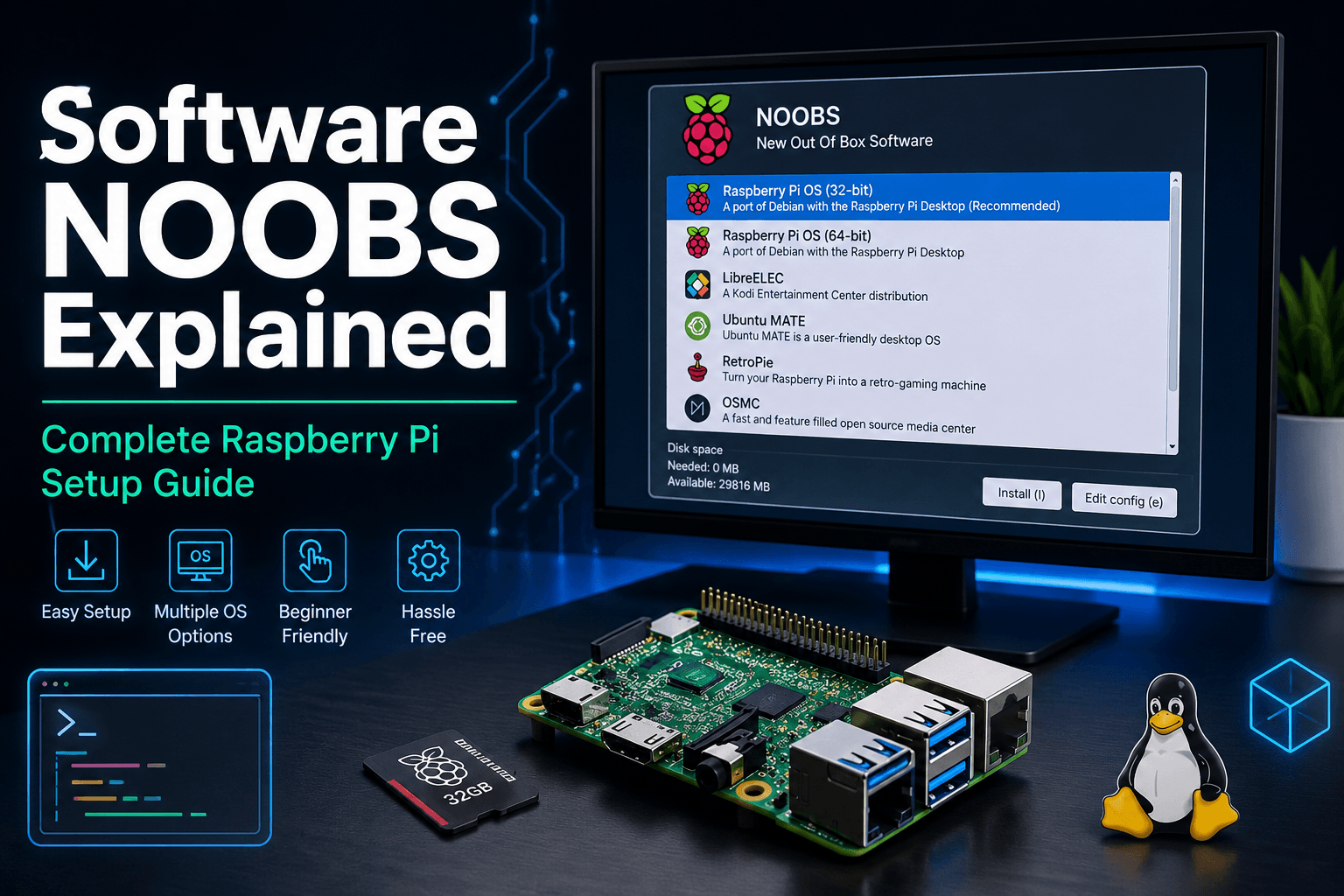
Software NOOBS is an operating system installer created for the Raspberry Pi. Instead of requiring users to manually download an OS image and write it to an SD card using separate tools, NOOBS handles the entire setup process through a simple, menu-driven interface that runs the first time a Raspberry Pi boots up.
Rather than being an operating system itself, software NOOBS acts more like a launcher — it lets users choose from a list of available operating systems, including Raspberry Pi OS (formerly Raspbian) and several third-party alternatives, then downloads and installs the chosen one automatically.
Why Software NOOBS Was Created
Early Raspberry Pi setup required a fair amount of technical comfort — picking the right OS image, using a separate flashing tool, and making sure the SD card was formatted correctly.NOOBS was designed to remove that friction entirely, making the Raspberry Pi more approachable for students, hobbyists, and anyone picking up their first single-board computer.
System Requirements for Software NOOBS
Before getting started, it helps to have everything ready so the setup process goes smoothly without interruptions halfway through.
- Raspberry Pi board — any model compatible with the NOOBS version being used
- microSD card (16GB or larger recommended) — enough space for the operating system plus room to spare, since Raspberry Pi OS alone can take up several gigabytes
- Power supply — a stable, appropriately rated power adapter for the specific Raspberry Pi model
- HDMI cable — to connect the Raspberry Pi to a monitor or TV during setup
- Keyboard and mouse — needed to navigate the software selection screen and complete the initial setup
- Internet connection — required for NOOBS Lite, since that version downloads the chosen operating system during setup rather than including it on the card beforehand
Having these ready in advance avoids the most common beginner frustration: getting partway through setup only to realize a required cable or accessory is missing.
How Software NOOBS Works
The process behind software is intentionally simple, which is part of why it became so popular with beginners.
Step 1: Preparing the SD Card for Software NOOBS
Users format an SD card and copy the NOOBS files onto it directly, without needing any special imaging software. This alone removed one of the most common points of confusion for first-time Raspberry Pi users.
Step 2: First Boot and Setup Screen
Once the SD card is inserted and the Raspberry Pi powers on, software NOOBS launches a setup screen showing available operating systems. Users simply select the one they want, and the tool takes care of downloading, formatting the necessary partitions, and installing everything in the background.
Step 3: Choosing Your Operating System
Depending on the version, software typically offers Raspberry Pi OS as the default option, along with alternatives like LibreELEC for media centers or various Linux distributions built for specific use cases.
Benefits of Using Software NOOBS
Pulling together what makes this tool worth knowing about, a few clear advantages stand out.
- Beginner-friendly — designed around a simple, guided setup screen rather than command-line steps
- No flashing software required — files are copied directly onto the SD card without needing a separate imaging tool
- Easy OS selection — users can browse and pick an operating system directly from the setup menu
- Supports multiple operating systems — more than one OS can be installed on the same SD card and selected at boot
- Quick installation — the guided process removes most of the manual steps that slow down first-time setups
- Educational use — widely used in classrooms and coding clubs specifically because it lowers the technical barrier for students
Software NOOBS vs. Manual Installation: Which Is Better?
For anyone weighing whether to use software NOOBS or install an OS manually, the two approaches serve fairly different needs.
When to Use Software NOOBS
It’s the more approachable option for beginners, classrooms, and anyone who wants to try out multiple operating systems without committing to one right away. The guided setup process avoids most of the technical missteps that trip up first-time users.
When to Skip Software NOOBS and Install Manually
More experienced users often skip the software entirely in favor of tools like Raspberry Pi Imager, which flashes an OS image directly onto the SD card. This approach tends to be faster and gives more direct control over exactly what’s being installed, without the extra setup layer NOOBS adds.
Is Software NOOBS Still Worth Using in 2026?
This is a fair question, since the Raspberry Pi ecosystem has evolved quite a bit since NOOBS first launched.
Why Raspberry Pi Imager Replaced Software
The official Raspberry Pi Imager tool has largely become the recommended method for setting up a new Raspberry Pi. It’s faster, simpler in some ways, and is maintained directly by the Raspberry Pi Foundation. For many current setups, it’s replaced the role software used to play.
Where You’ll Still Find Software NOOBS Today
Despite that shift, software is still referenced constantly in older tutorials, educational materials, and beginner guides — which is part of why it continues to generate search interest even now. Some users working with older Raspberry Pi models or following legacy documentation still encounter it directly.
If you’re exploring other categories of tools designed to simplify the setup process for new users, this breakdown of NOOBS software for easier Raspberry Pi setup covers the tool’s original release in more detail.
Why Raspberry Pi Setup Was Confusing Before Software NOOBS
To understand why this kind of installer mattered, it helps to look at what Raspberry Pi setup looked like before it existed.
The Old Way: Manually Flashing an SD Card
Before guided installers became common, getting an operating system onto a Raspberry Pi meant downloading a disk image file, using a separate program to write that image byte-for-byte onto an SD card, and hoping nothing went wrong along the way. A single mistake in this process — wrong drive selected, incomplete write, unsupported card format — could mean starting over from scratch.
Lack of Beginner-Friendly Documentation
Early Raspberry Pi adopters were often more technically experienced, so a lot of the available documentation assumed a baseline of comfort with command-line tools and disk utilities that newer users simply didn’t have. This created a real barrier for schools, hobby clubs, and casual tinkerers who wanted to experiment without a steep learning curve.
The Struggle of Choosing an Operating System
Even for people who managed the technical setup, deciding which operating system to install wasn’t always obvious. A dedicated tool that let users preview and choose from a curated list solved two problems at once — the installation itself, and the decision paralysis that came before it.
Software NOOBS: Pros and Cons at a Glance
| Pros | Cons |
|---|---|
| Easy to use | No longer officially recommended |
| Great for beginners | Slower than Raspberry Pi Imager |
| Multi-boot support | Limited updates |
| No flashing needed | Legacy software |
Software NOOBS FAQs for Complete Beginners
A few points of confusion come up repeatedly for people encountering software for the first time.
Is Software NOOBS Free to Use?
Yes. Software NOOBS is completely free to use and was distributed directly by the Raspberry Pi Foundation for use with any compatible board.
Is Software NOOBS Compatible With All Raspberry Pi Models?
Compatibility depends on the version of NOOBS and the specific Raspberry Pi model being used. Newer boards are generally better supported through Raspberry Pi Imager rather than the original NOOBS tool.
Can You Install Multiple OS Options With Software?
Yes — one of the original selling points of NOOBS was the ability to install more than one operating system on the same SD card and choose between them at boot time, which was particularly useful for testing different setups.
The Bigger Lesson: Why Simple Tools Like Software NOOBS Matter
Beyond the technical specifics, software is a good example of how much friction well-designed setup tools can remove for new users — a principle that shows up far beyond hobbyist electronics. The same logic drives decisions in far more serious contexts too, like founders weighing which startup gadgets actually save time versus which ones just add complexity, or businesses evaluating a technology insurance company based on how much friction it removes when something actually goes wrong.
Frequently Asked Questions About NOOBS
What does NOOBS stand for in software? It stands for “New Out Of Box Software,” reflecting its purpose as an easy, guided installer for getting a Raspberry Pi running for the first time.
Is software the same as Raspberry Pi OS? No. Software NOOBS is an installer tool that lets users choose and install an operating system, and Raspberry Pi OS is one of the operating systems available through it.
Do I still need software NOOBS if I’m setting up a new Raspberry Pi today? Not necessarily. Most current setups use Raspberry Pi Imager instead, though software NOOBS still appears in older tutorials and documentation.
Is software NOOBS difficult to use for a complete beginner? Not really — it was specifically designed to simplify the setup process, using a guided on-screen menu rather than requiring command-line steps.
Can software NOOBS be used on any SD card? It requires a properly formatted SD card with enough storage for the chosen operating system, but it doesn’t require any specialized hardware beyond what a standard Raspberry Pi setup needs.
Where can beginners find reliable instructions for using software NOOBS? Official Raspberry Pi documentation and well-established tech guides are generally the most reliable sources, especially since some older tutorials may reference outdated steps.
Final Thoughts on Software NOOBS
Software NOOBS represented a genuinely useful idea at a time when setting up a Raspberry Pi required more technical patience than most beginners had. While tools like Raspberry Pi Imager have taken over much of that role today, NOOBS remains a useful reference point for understanding how the Raspberry Pi setup experience evolved — and a reminder of how much a thoughtfully designed tool can lower the barrier to entry for anyone getting started with new hardware.